Version: 9.0 | Size: 1.58 MB
Find Operation
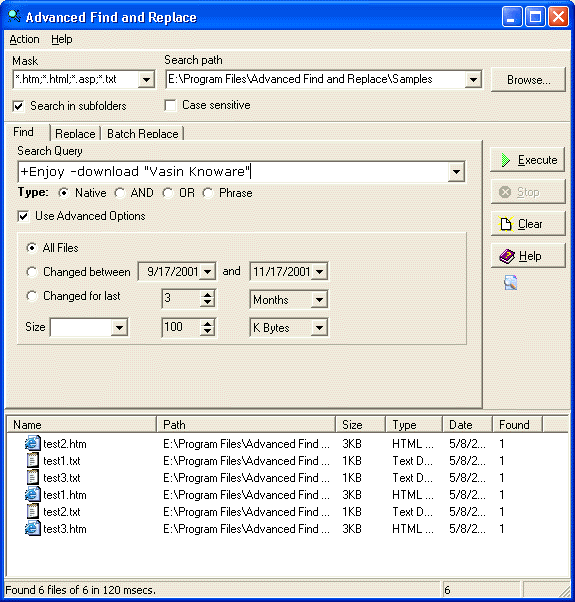
Find files with smart queries as with Google. The interface shows search results with file paths, modification dates, and relevance.
Replace Operation
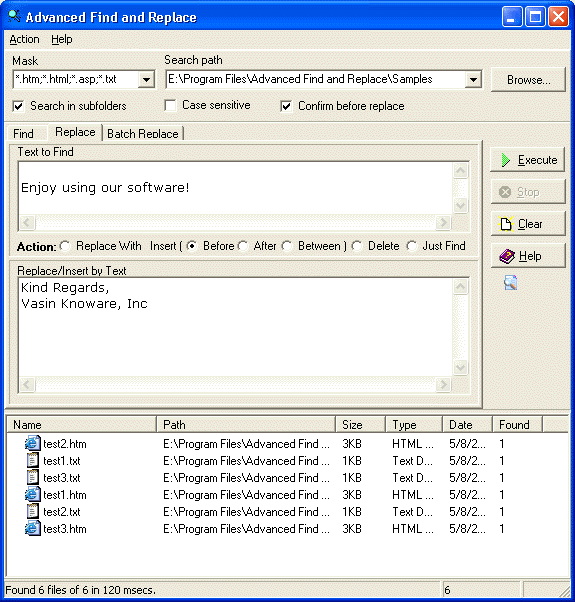
Replace text in multiple files. This text, for example, JavaScript, may consist of several lines. The replace dialog allows you to specify exact text to find and replacement text.
Batch Replace Operation
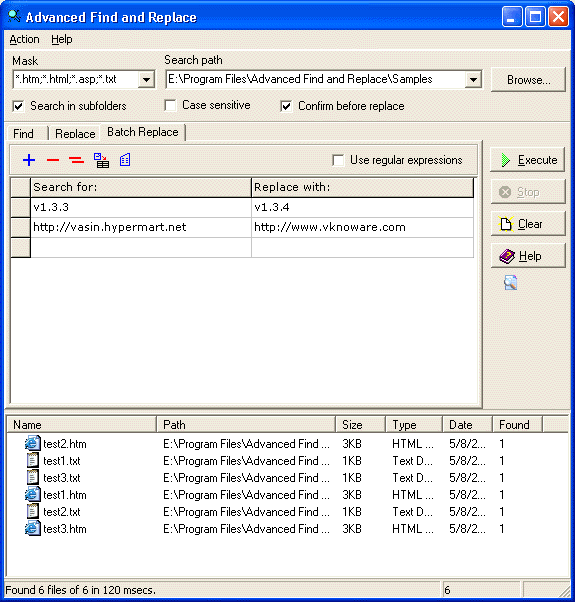
Replace multiple strings in multiple files. For instance, update thousands of links on your site. The batch replace table allows you to define multiple search/replace pairs.
Options Dialog
Configure search options, replace options, and general settings. The options dialog provides comprehensive control over how the program operates.
